 English
 Français
 Italiano

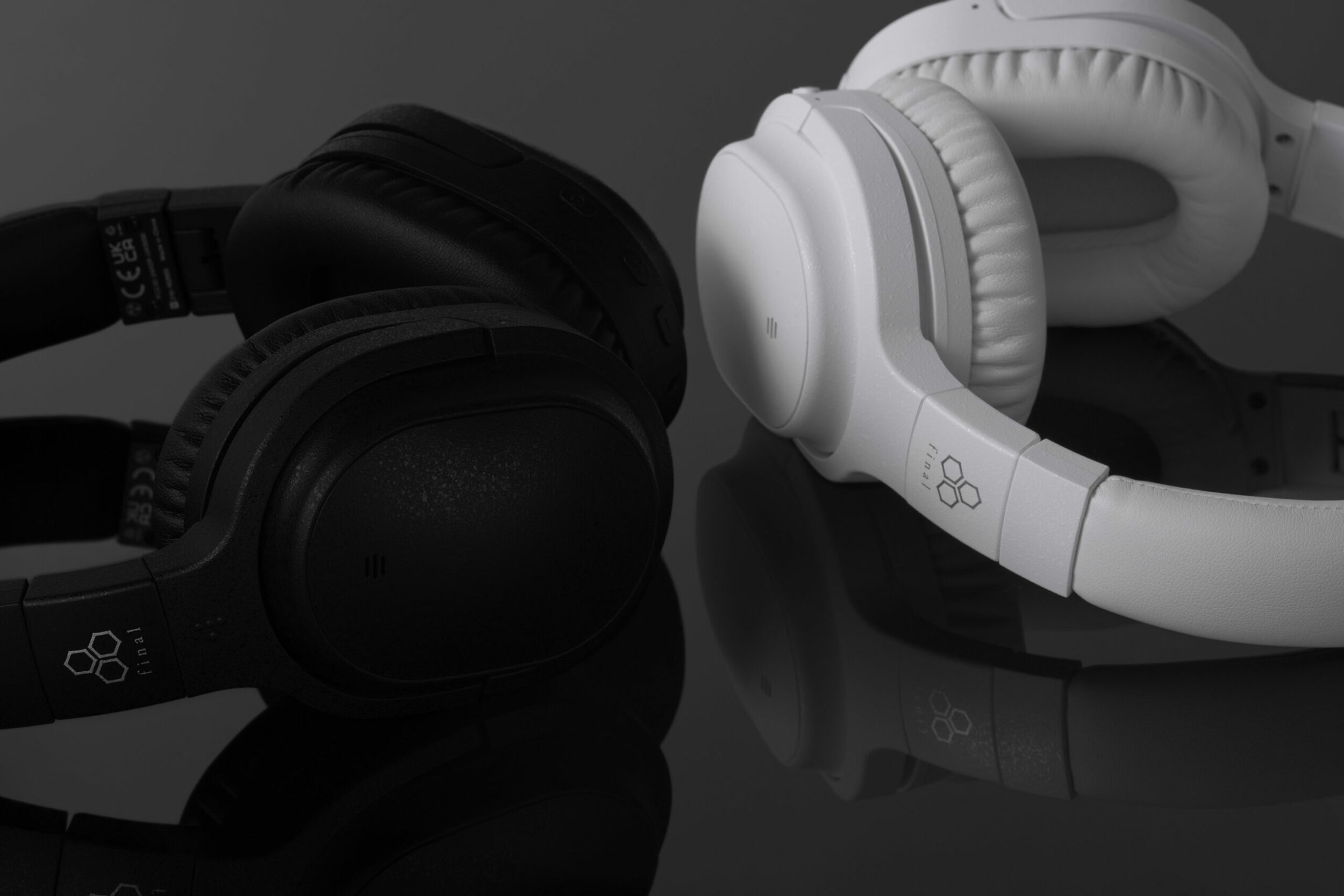
Description
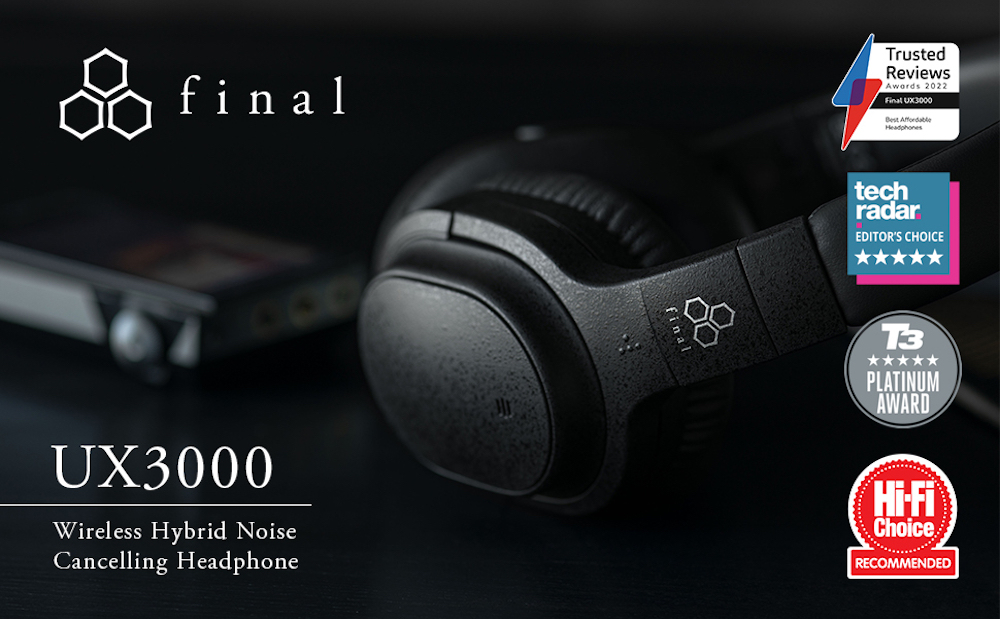
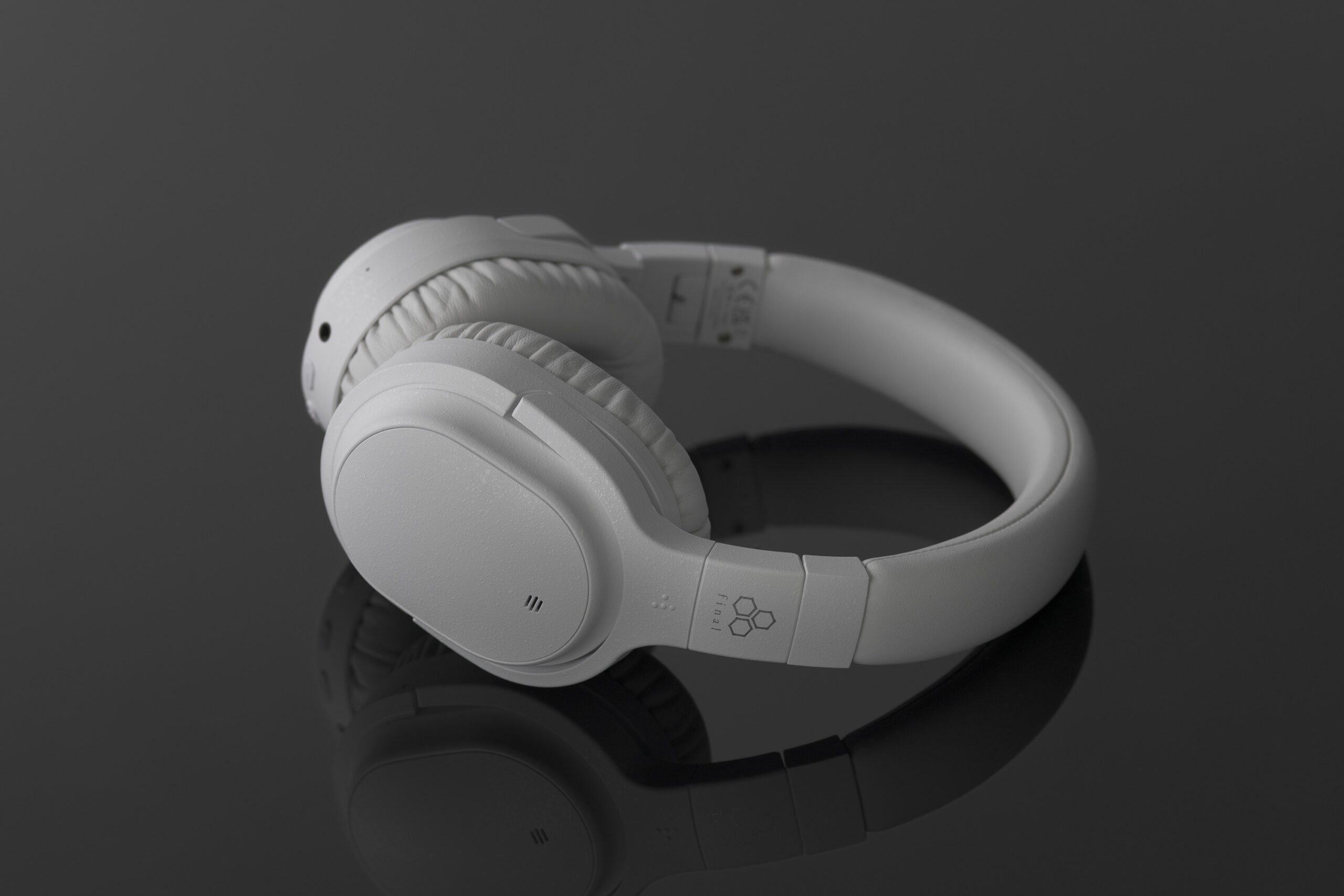
UX3000
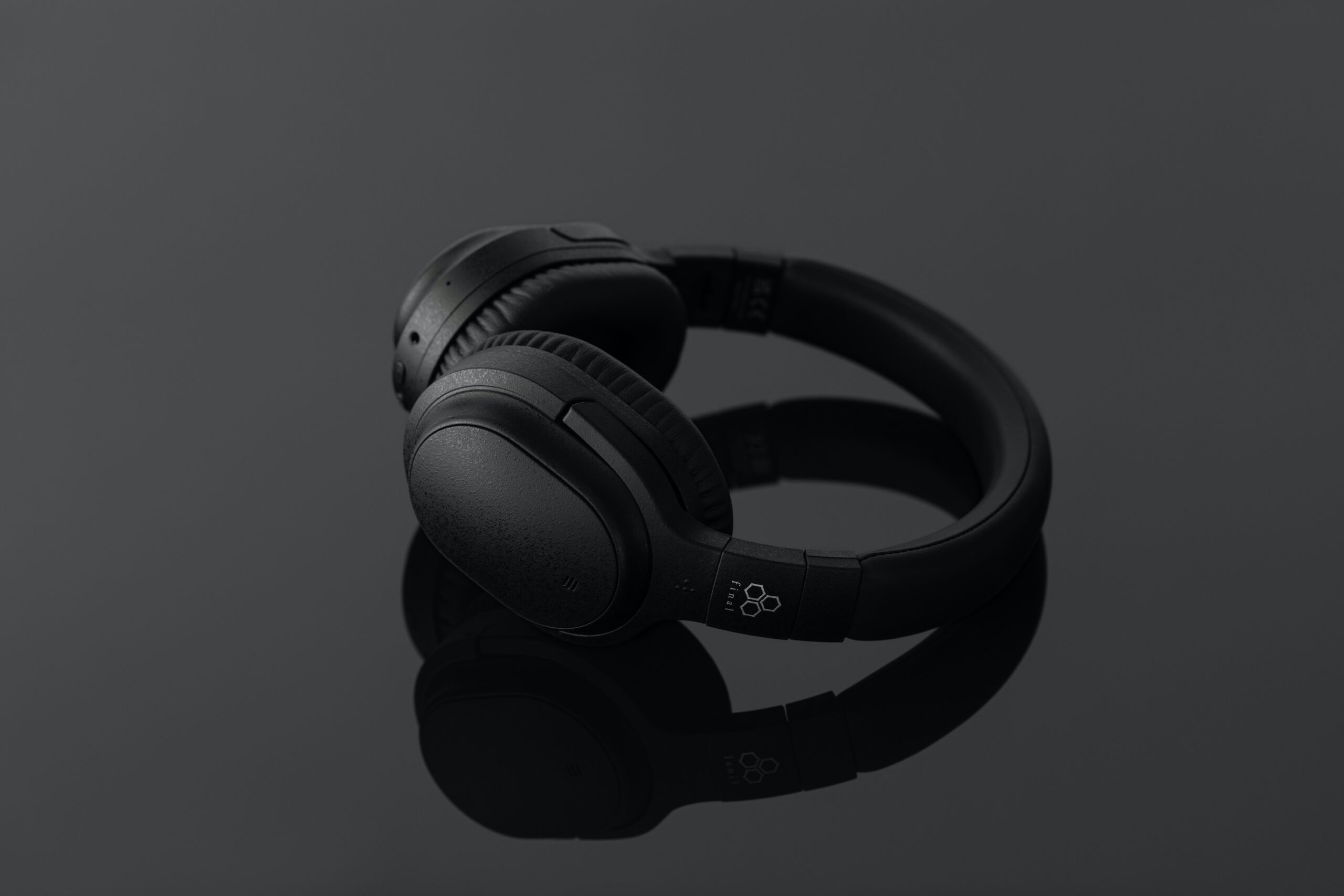
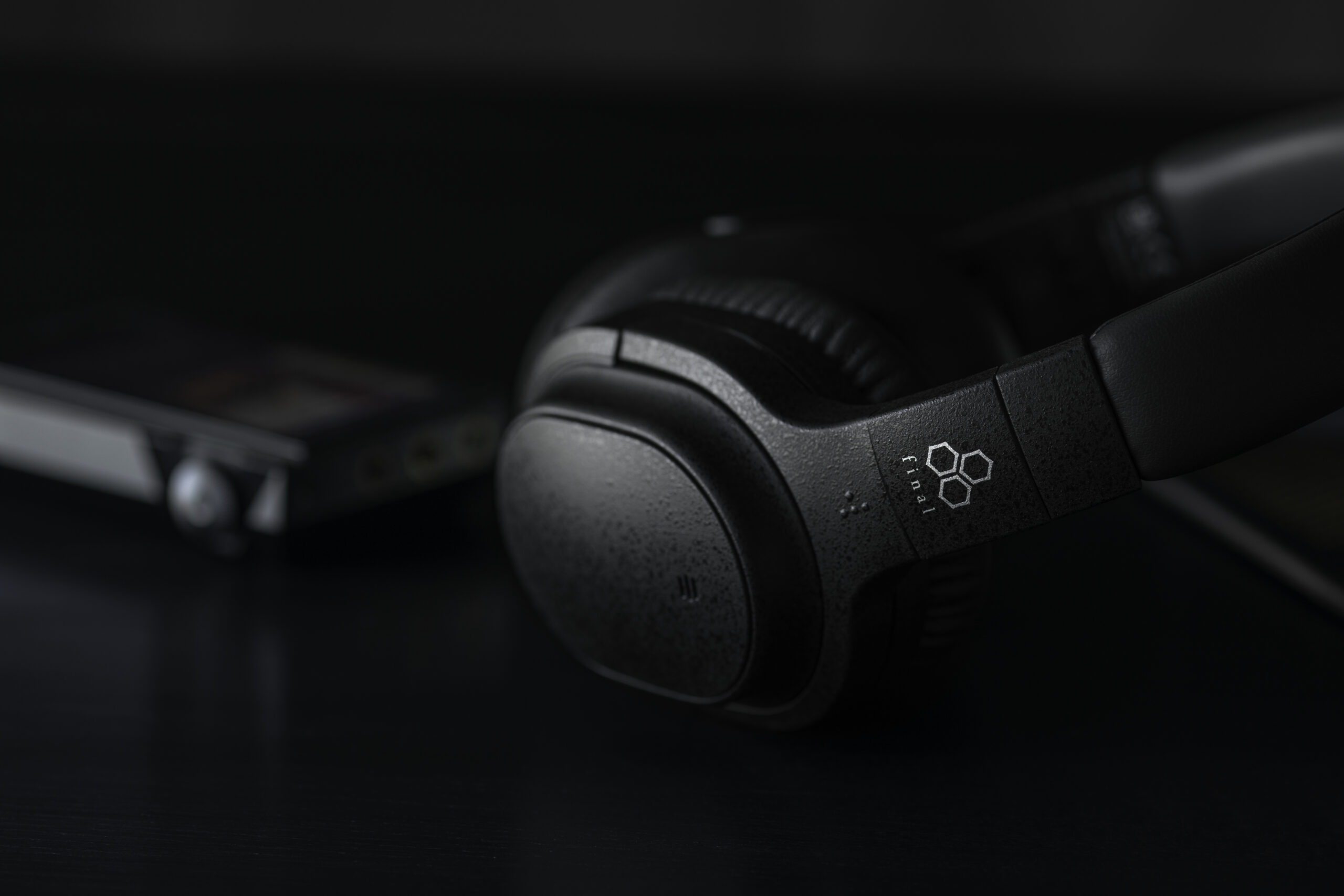
Wireless noise-canceling headphones fine-tuned by high-end audio acoustics experts for superior sound quality.
The UX3000 is Final’s first wireless headset to feature an active noise-cancellation system with a hybrid noise-reduction methodology.
In general, noise-canceling headphones and earphones are equipped with transducers that emit a special electronically generated sound in addition to the music or voice to be listened to, in order to suppress external noise.
This puts pressure on the transducers and leads to a significant degradation in sound quality.
To alleviate this problem, most products are designed so that low frequencies are boosted by adjusting the software equalizer. However, this solution rendered the overall sound characteristic unnatural and seriously sound quality.
In contrast to general design, the UX3000 is designed to fully optimize the acoustic characteristics of the transducer itself.
Thanks to an all-new transducer designed to withstand stress and the application of its high frequencies with a slight correction by the equalizer, the UX3000 offers first-rate sound quality that delivers good noise-cancellation performance and outstanding sound quality, even for audiophiles.
What’s more, the noise suppression function can be operated independently, even when you’re not listening to music.
The UX3000 can be used as a noise-cancelling headset by activating the noise-cancellation function at any time, or it can be used with the microphone function to make teleworking calls or web conferences, and you can hear the other person’s voice clearly while ignoring outside noise.
In addition to SBC and AAC, the UX3000 supports aptX™ Low Latency, a low-latency codec that delivers high-quality sound with minimal interruptions and time lag.
This allows you to enjoy music, games and videos with ease.
And with multipoint connectivity, you can connect up to two devices at the same time, such as your PC and smartphone, and switch between them while they’re connected.
Features.
Superb sound quality obtained by eliminating the limitations of the noise-cancellation function and the Bluetooth connection.
Making full use of final technology’sexpertise in dynamic transducer design, the UX3000 is designed to fully optimize the acoustic characteristics of the transducer itself.
Thanks to an all-new transducer designed to withstand stress and a slight correction of high frequencies by the equalizer, the UX3000 offers pleasant sound quality without the fatiguing sound characteristics typical of audio products .
Bluetooth.
With its clear, precise detail and rich, wide soundstage, the UX3000 achieves good noise-cancellation performanceand outstanding sound quality.
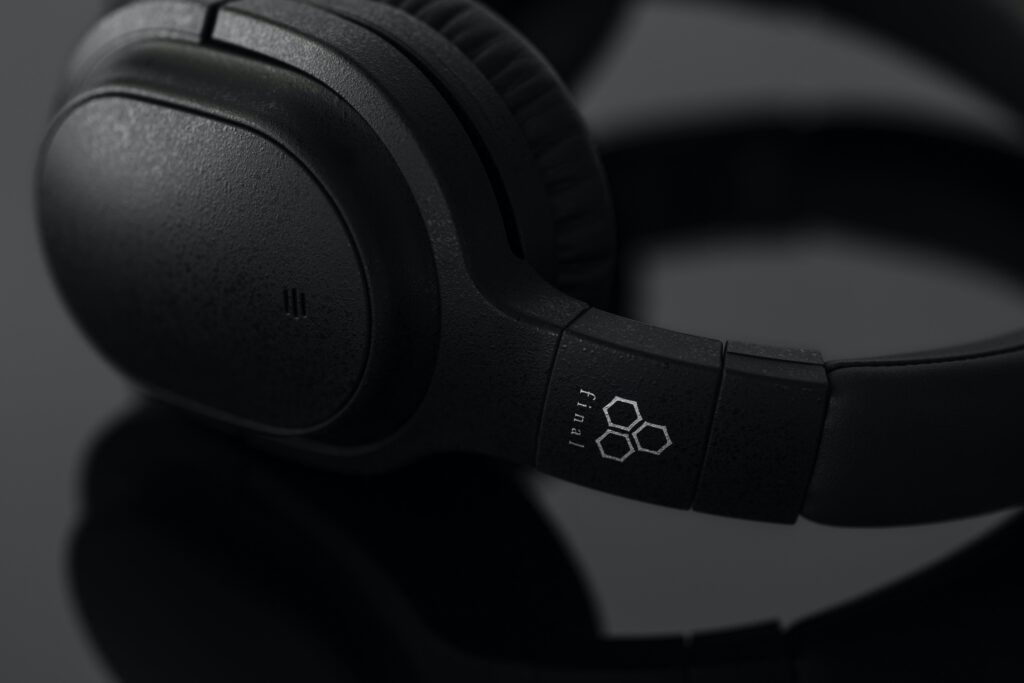
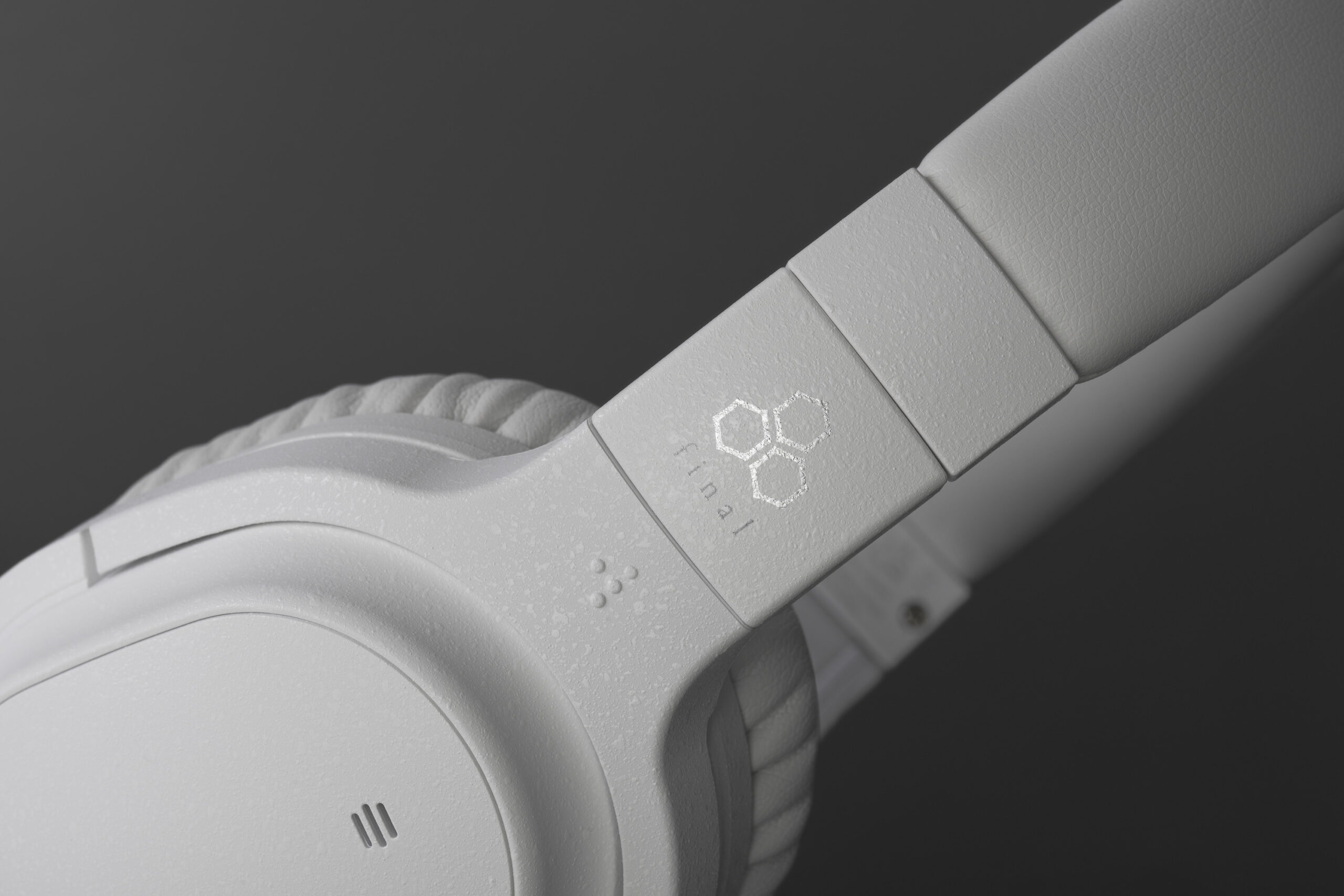
High-quality Shibo* finish.
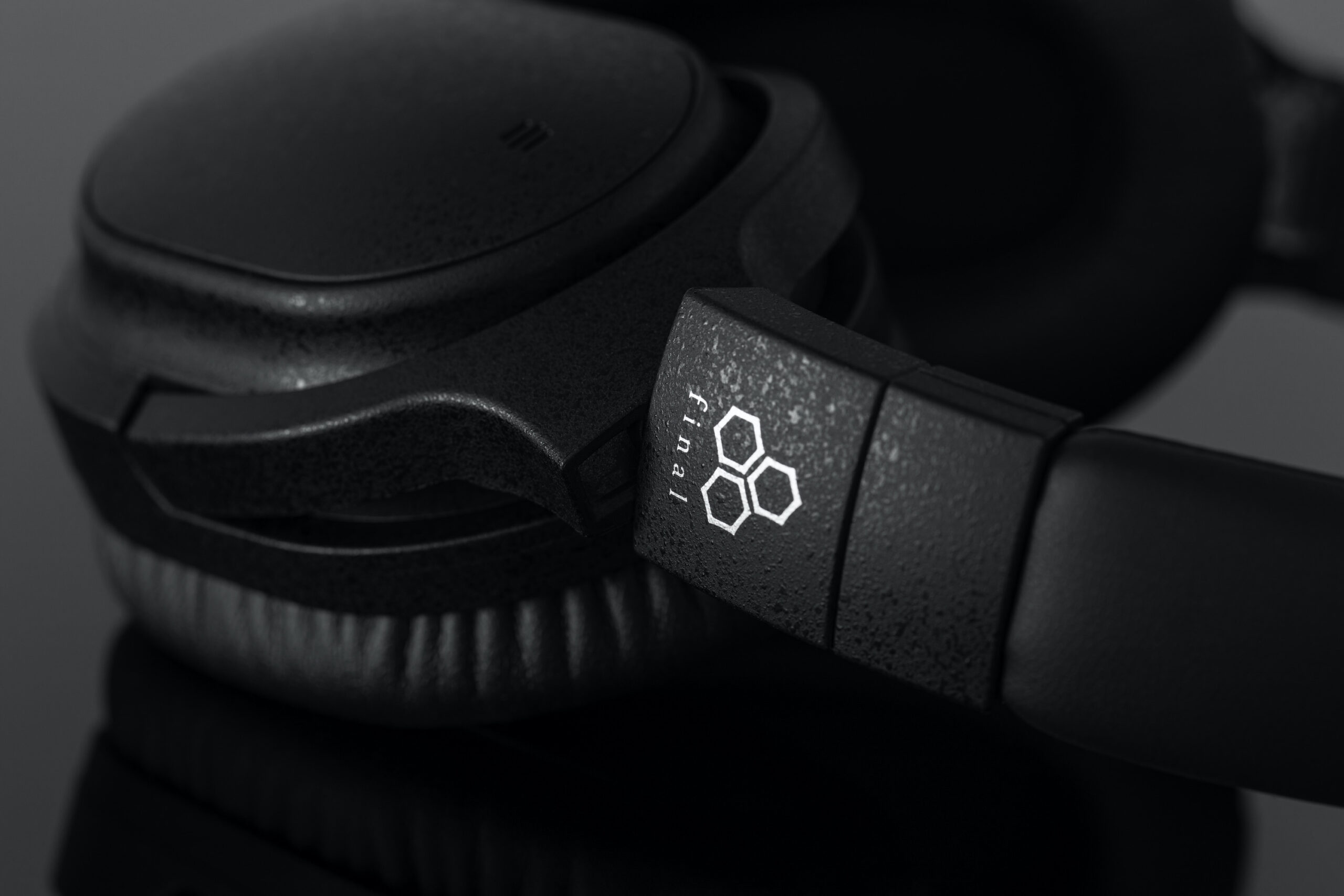
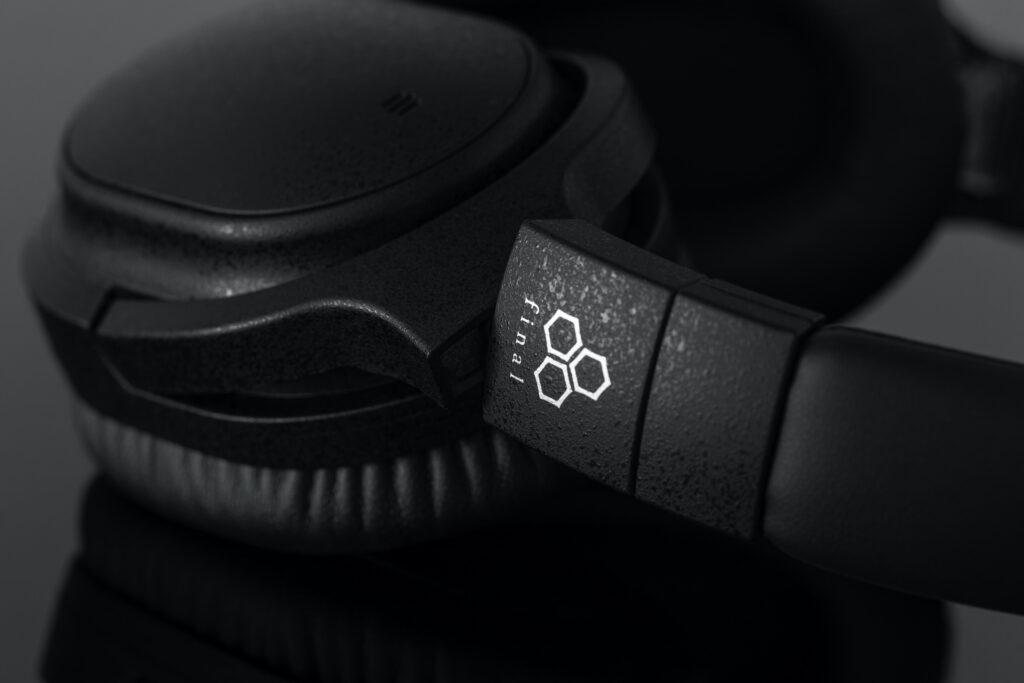
Shibo’s soft-textured coating provides a beautiful surface that resists dirt and fingerprints perfectly, while giving the impression of a high-end product range.
* Shibo: an old Japanese word meaning a fold on the surface of paper or leather.
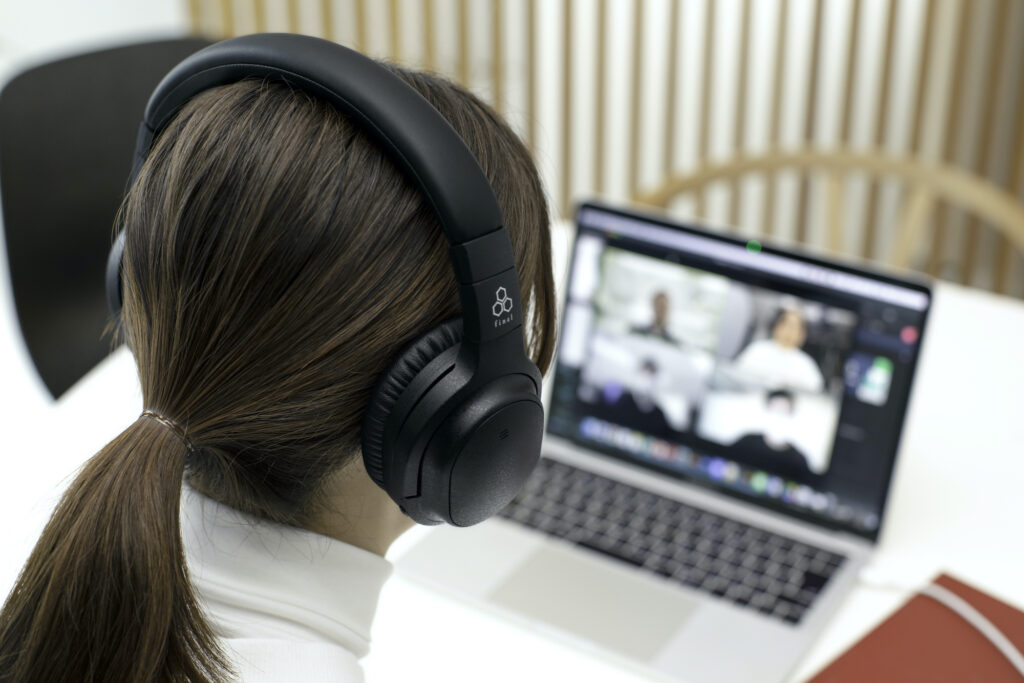
Crystal-clear hands-free calls for teleworkers.
The high-performance microphone makes teleworking phone calls and web conferences easy.
Users can also make calls while using the noise-cancellation function to hear the caller’s voice clearly while cutting out ambient noise.
aptX™ Low Latency with superb sound quality and stable connectivity.
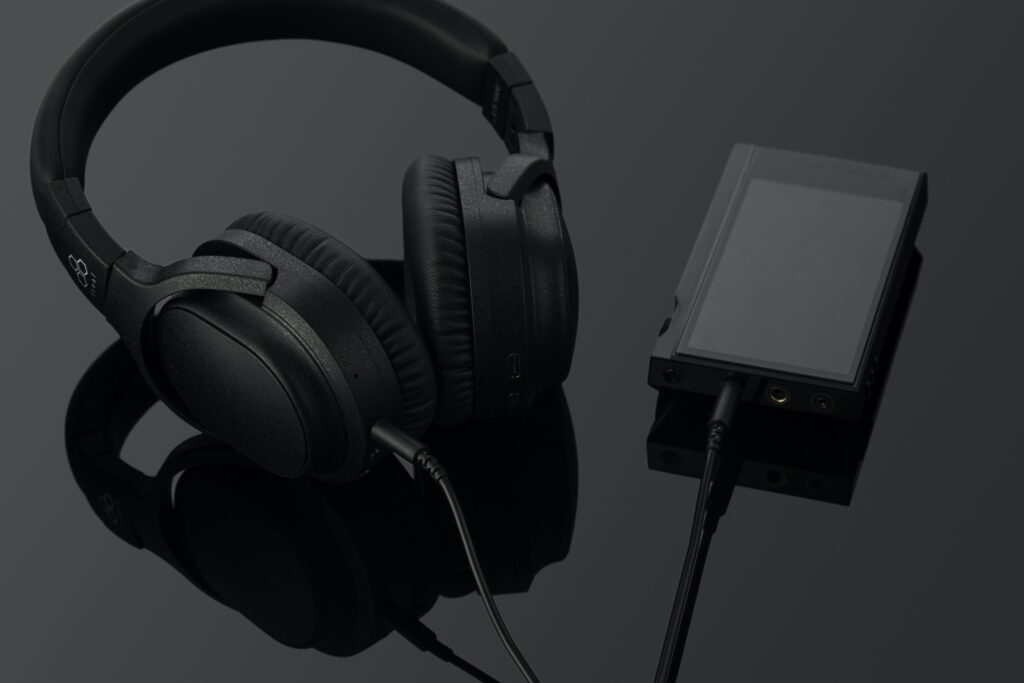
In addition to SBC and AAC, the UX3000 also supports aptX™ Low Latency which offers superb sound quality with exceptional connection stability.
The UX3000 is compatible with a wide range of models such as the iPhone and Android devices, thanks to simple and easy pairing.
Multi-adjustable housing mechanism.
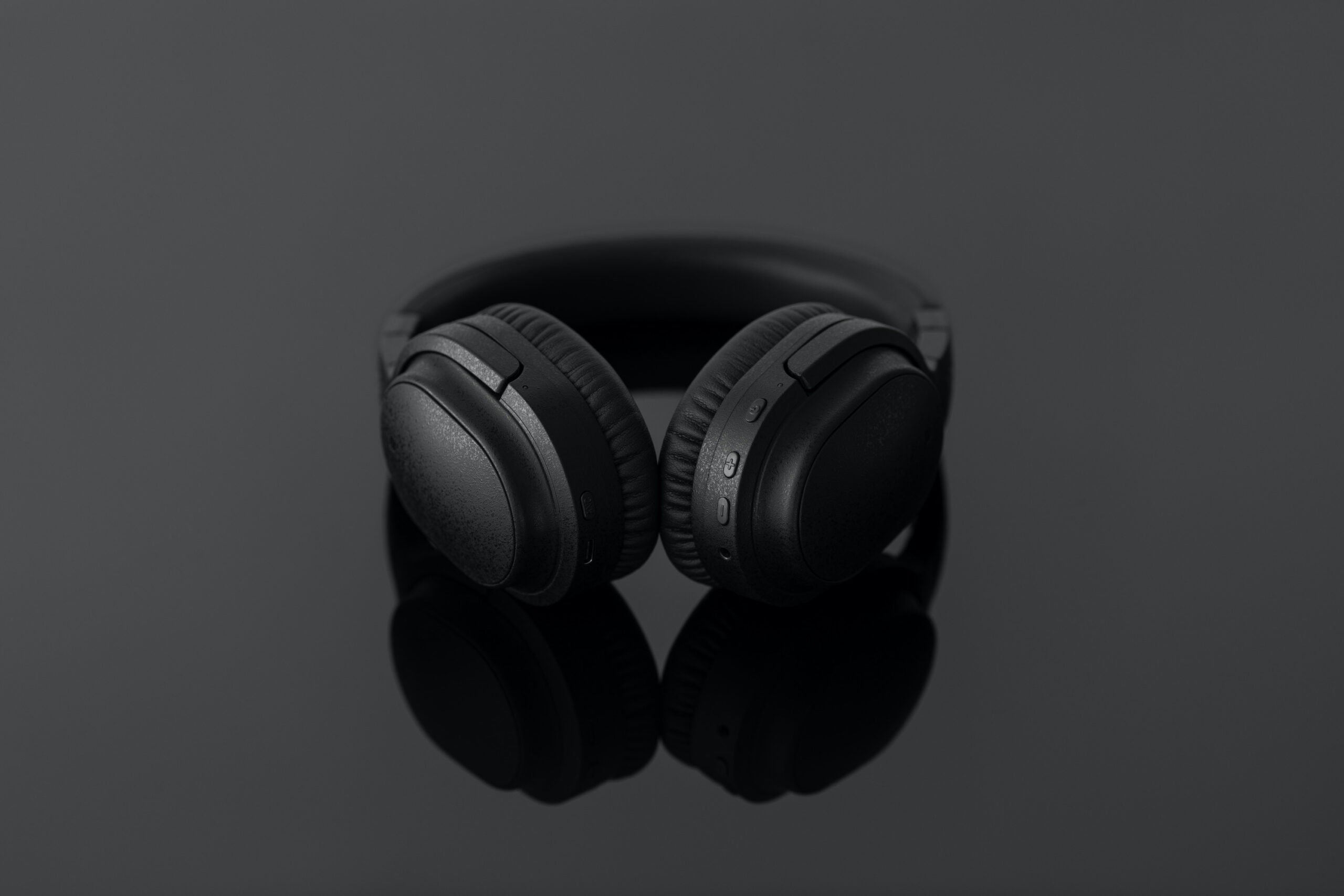
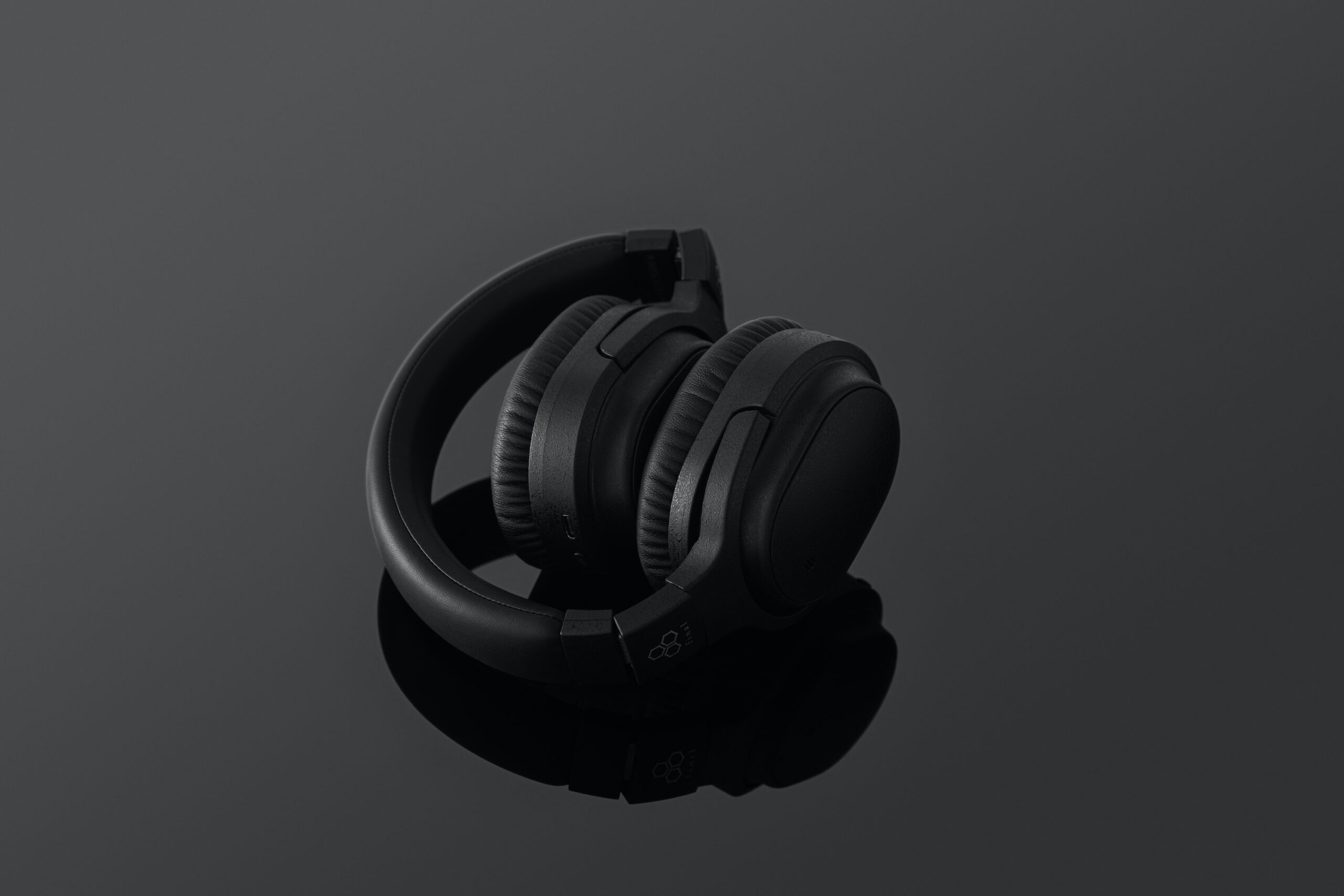
The housing can be rotated up, down, left or right to suit different head shapes.
The case also fits perfectly behind the ear, which isparticularly vulnerable to deviations.
Low-resilience earpieces are designed to prevent fatigue, even after long periods of use.
Active hybrid noise suppression.
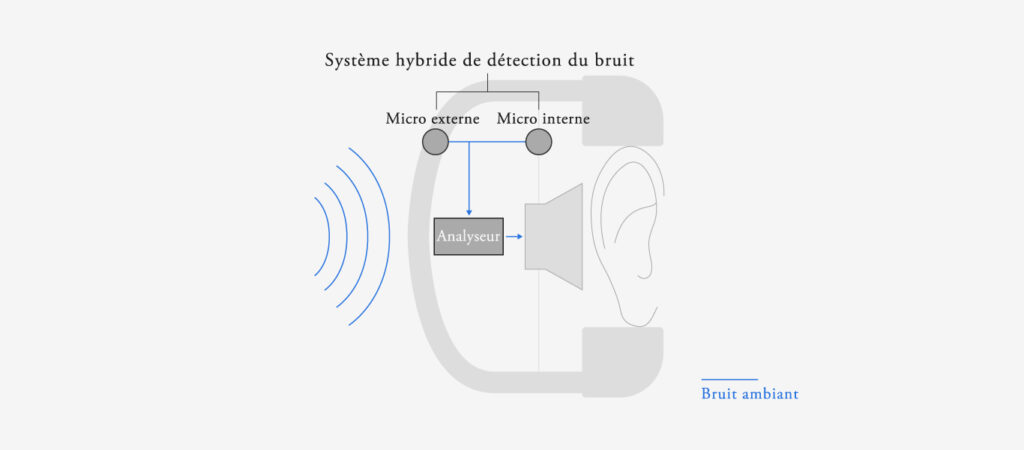
The hybrid noise-cancellation system features two microphones on each earpiece.
One of the microphones picks up the noise signal coming from outside the housing, and the other picks up the sound signal coming from the transducer output.
By analyzing the sound samples collected by the two microphones, the UX3000 is able to eliminate ambient noise with great efficiency.
This allows you to enjoy your music in a quiet space, cancelling out the noise of trains, planes, cars and other household noises.
A sensor (microphone) collects ambient noise for analysis.
The UX3000 is equipped with sensors not only on the outside of the earpieces, but also on the inside.
In addition to the hybrid noise suppression function, these sensors enable more precise noise analysis.
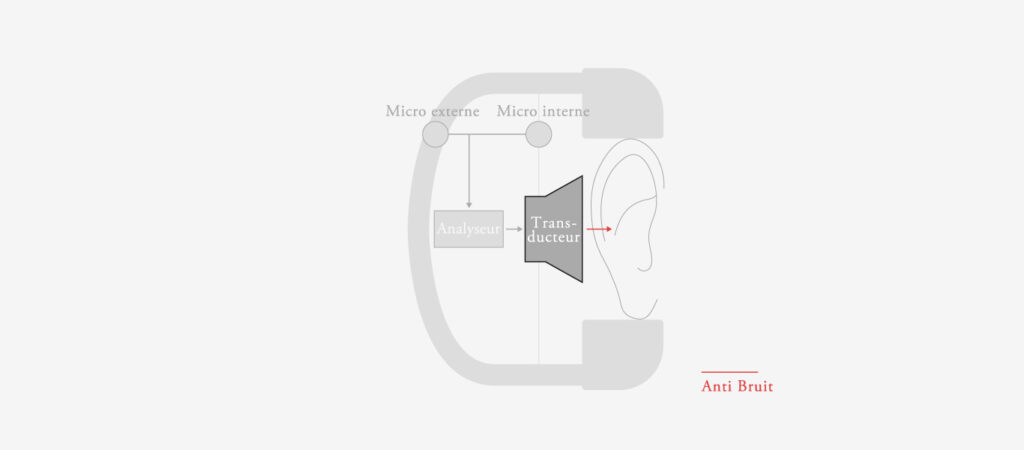
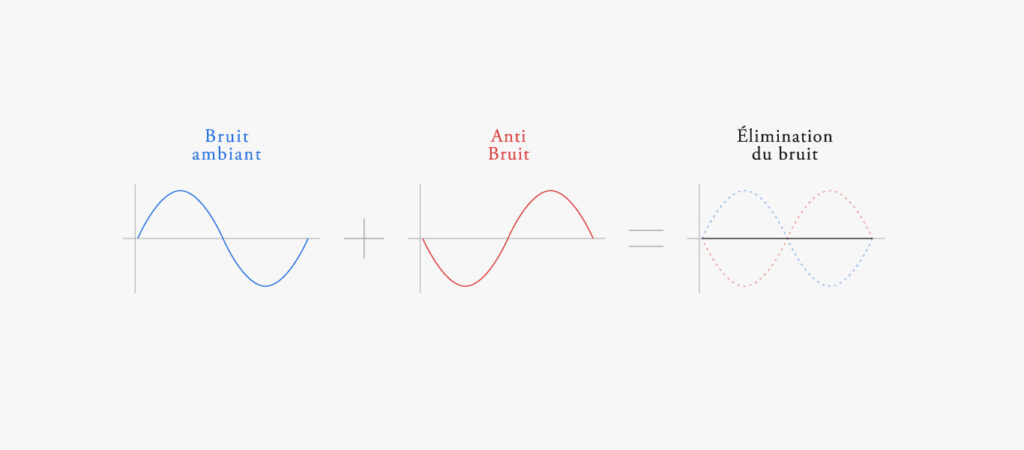
The microphones analyze the waveform of the ambient noise, and the transducer in the main unit emits a characteristic sound with the opposite waveform.
Noises are muted, and ambient noise becomes inaudible.
How to put on headphones.
Switch on the headset.
Press and hold the power button for 3 seconds, and the headset lights up with a “Power ON” announcement.
The headset automatically starts device pairing mode and the Bluetooth/ANC status indicator flashes alternately red and blue.
Switch off the headset.
Press and hold the power button for 5 seconds and the headset switches off, announcing “Power OFF”.
When the headset is switched off, the Bluetooth/ANC status indicator lights up red and gradually fades out.
Activate ANC (Active Noise Cancelling) function
Press and hold the ANC button for 2 seconds and the ANC function will be activated in 2 different ways, depending on the state of the headset.
If the headset is on: “Noise Cancelling “ is announced and the Bluetooth/ANC status indicator flashes alternately blue and green at regular intervals.
If the headset is switched off: the Bluetooth/ANC status indicator lights up green.
Deactivating the ANC (Active Noise Cancelling) function
Press and hold the ANC button for 2 seconds and the ANC function will be deactivated in 2 different ways, depending on the state of the headset.
If the headset is switched on: “OFF” is announced and the green light on the Bluetooth/ANC status indicator goes out.
If the helmet is powered down: the green LED on the Bluetooth/ANC status indicator goes out.
The status of the ANC function when the headset is switched off is easily recognized by the Bluetooth/ANC status indicator.
Green light: ANC function activated.
No light: ANC function deactivated.
Pairing devices
When the device’s Bluetooth function is activated, select “UX3000” from the list of devices.
Device pairing is successful if “UX3000 Connected” is displayed.
UX3000 AWARD.






Reviews
There are no reviews yet.