 English
 Français
 Italiano

Description
Dragon Ball Z x final.
Completely wireless headphones.
Model Ag- Frieza.
With the original voice of Frieza (CV : Ryusei Nakao).
Familiar lines from the film are assigned to the voice during the operation.
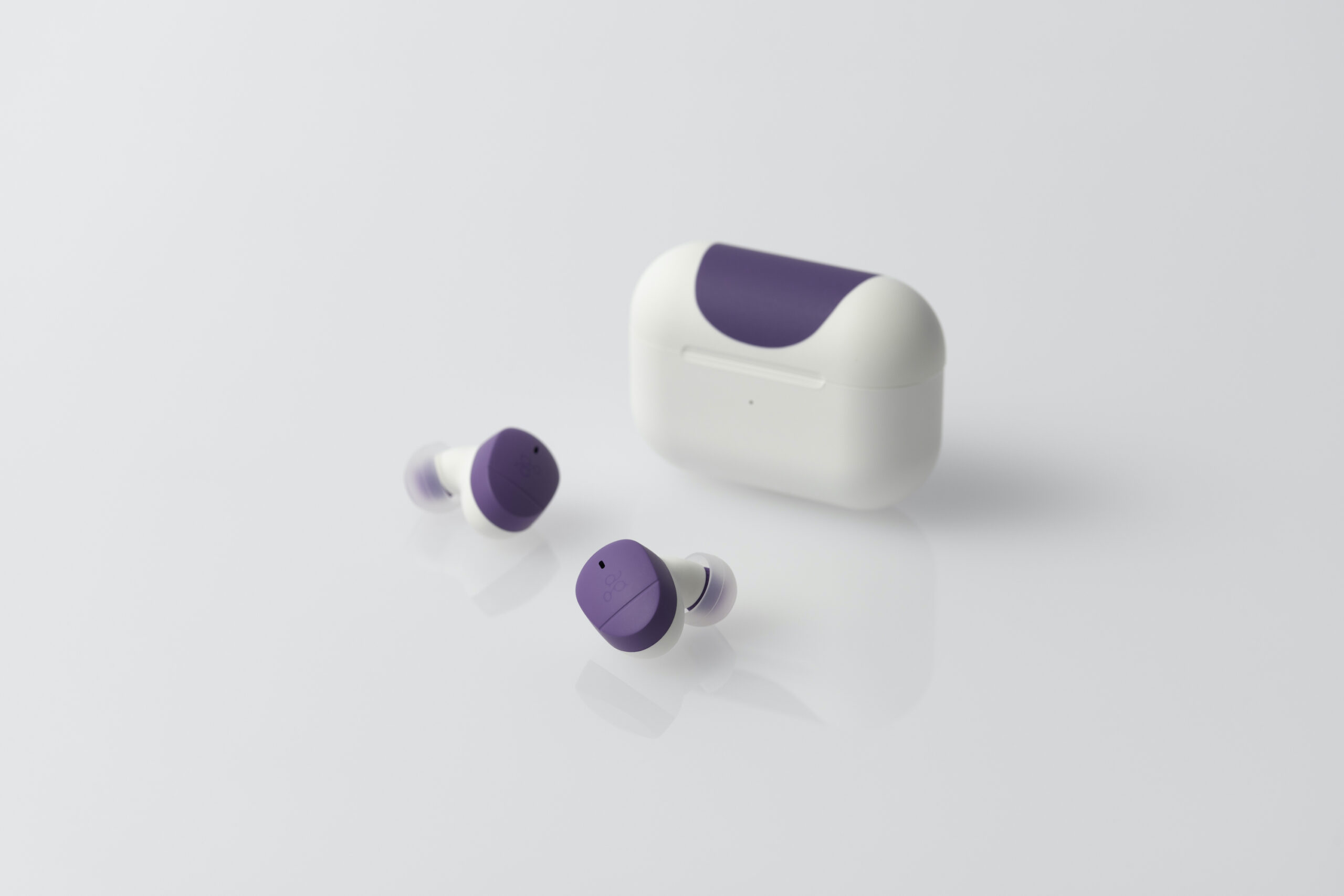
Fully wireless headphones that let you experience the Dragon Ball Z universe in all its glory.
Headphones in collaboration between Dragon Ball Z and Ag.
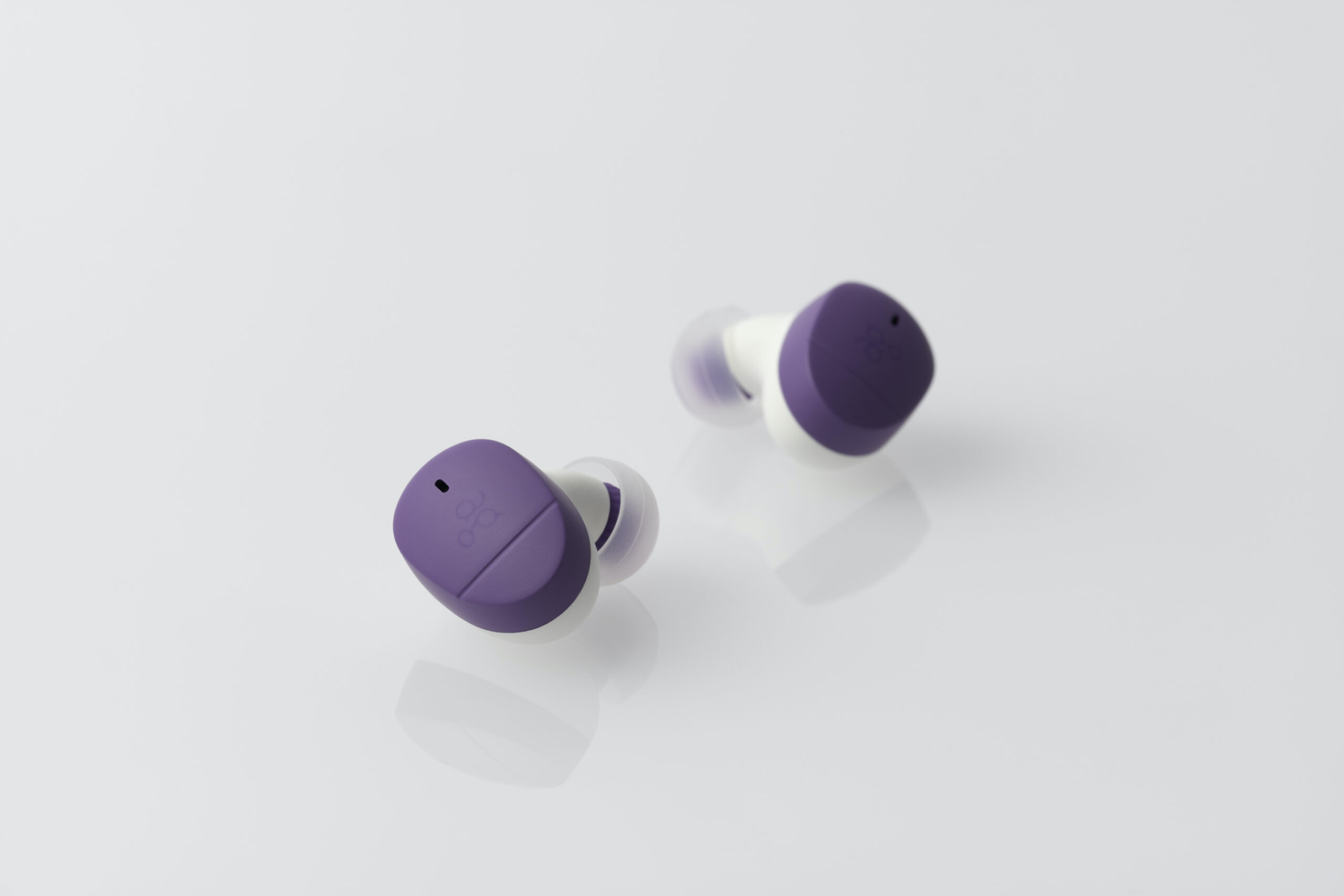
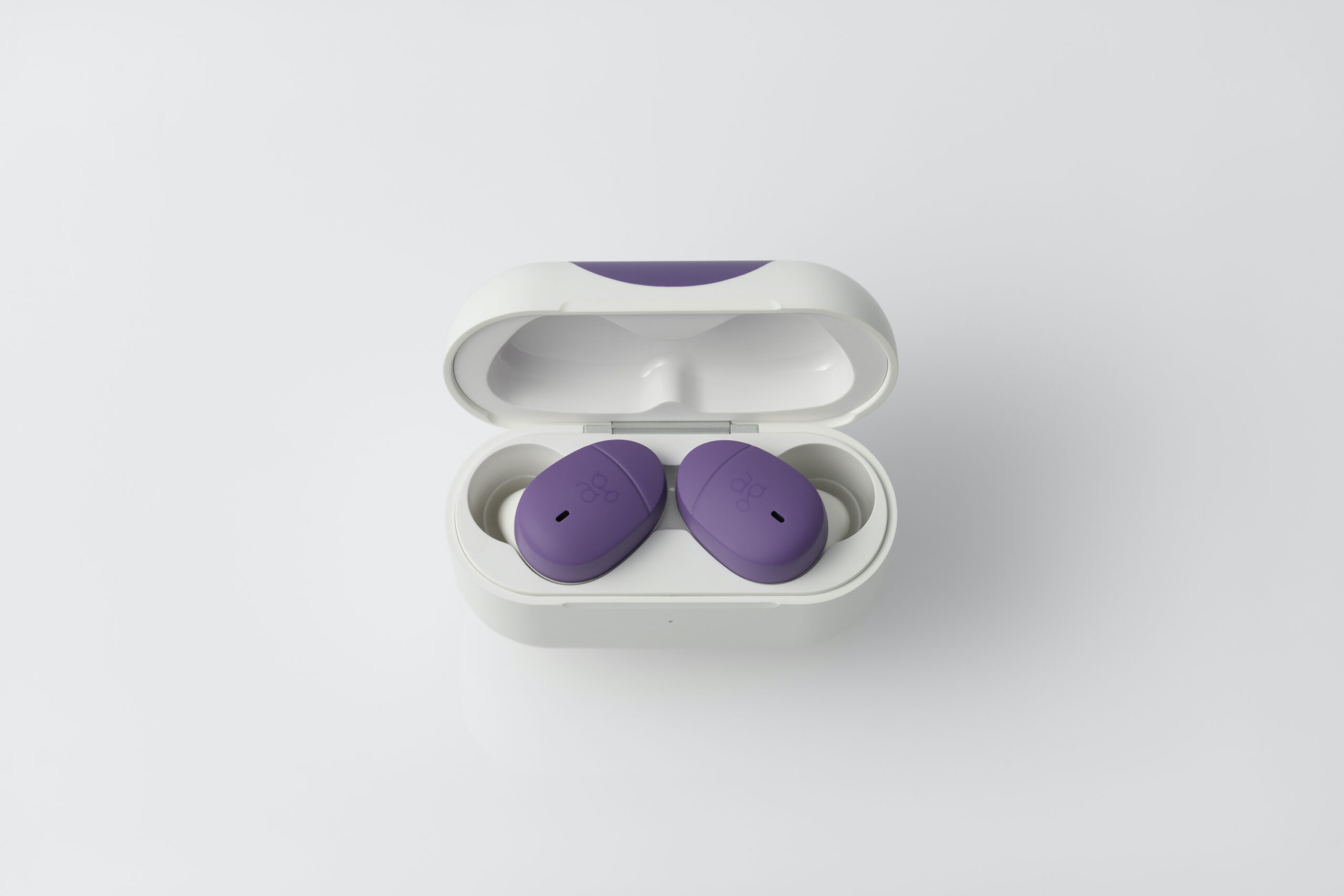
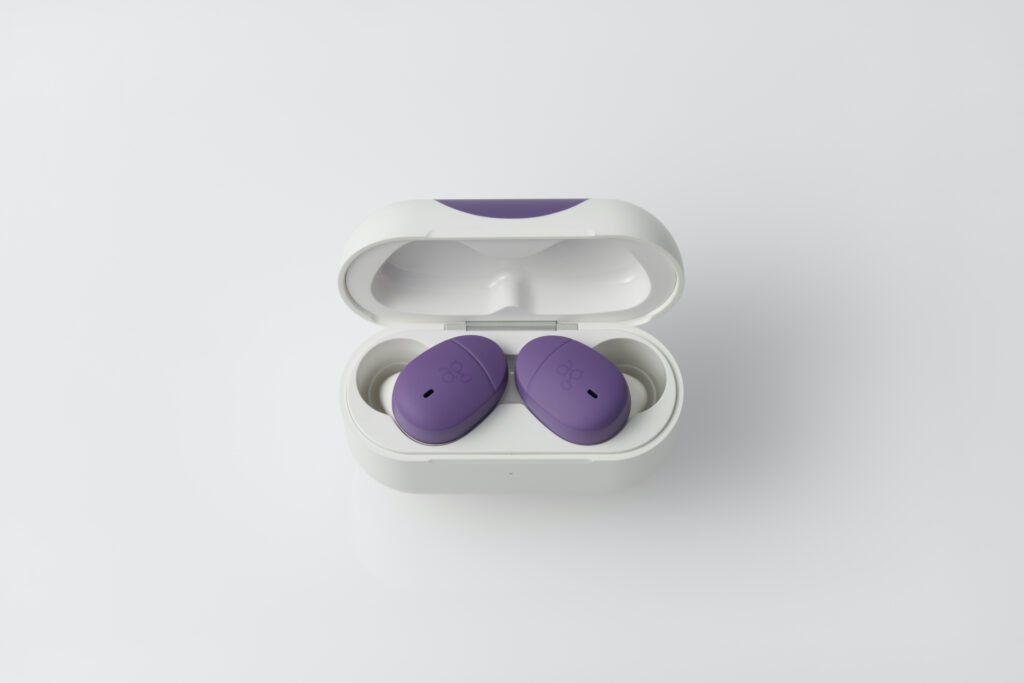
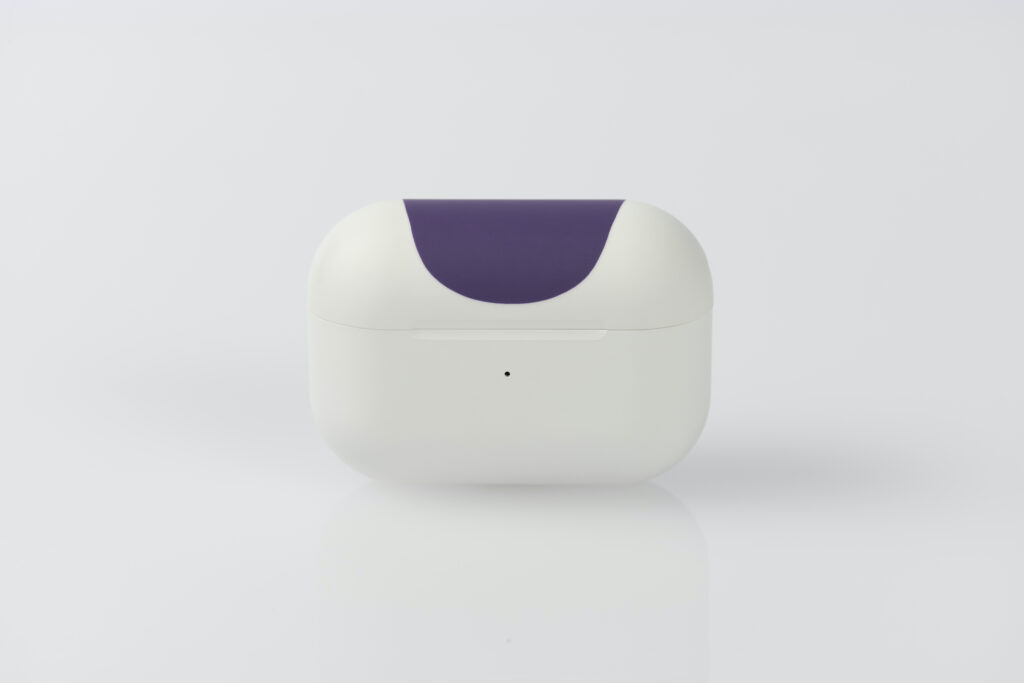
The earphone body and charging case are based on COTSUBU for ASMR and colored in Frieza’s image.
The packaging is a totally original design combining Frieza in the evil atmosphere of her first appearance with the background of Frieza’s spaceship arriving on the planet Namek.
The result is a product that gives you a complete picture of the Dragon Ball Z universe .
Click here for for Dragon Ball Z x final wireless headphones (Goku model / Vegeta model).

Optimum adjustment of sound quality.
Conventional wireless headphones rely heavily on software equalizers to adjust sound quality, particularly in the high frequencies, which can lead to listening fatigue.
To avoid this phenomenon, low frequencies are over-emphasized and many products are unbalanced.
We studied the acoustic characteristics of the speakers and other components until the sound quality was satisfactory, even without a software equalizer, and then used a light equalizer to compensate only for the high frequencies that are problematic because of Bluetooth®.
This technical support has resulted in a well-balanced sound that combines clear vocals with high resolution and powerful bass.
Supreme comfort.
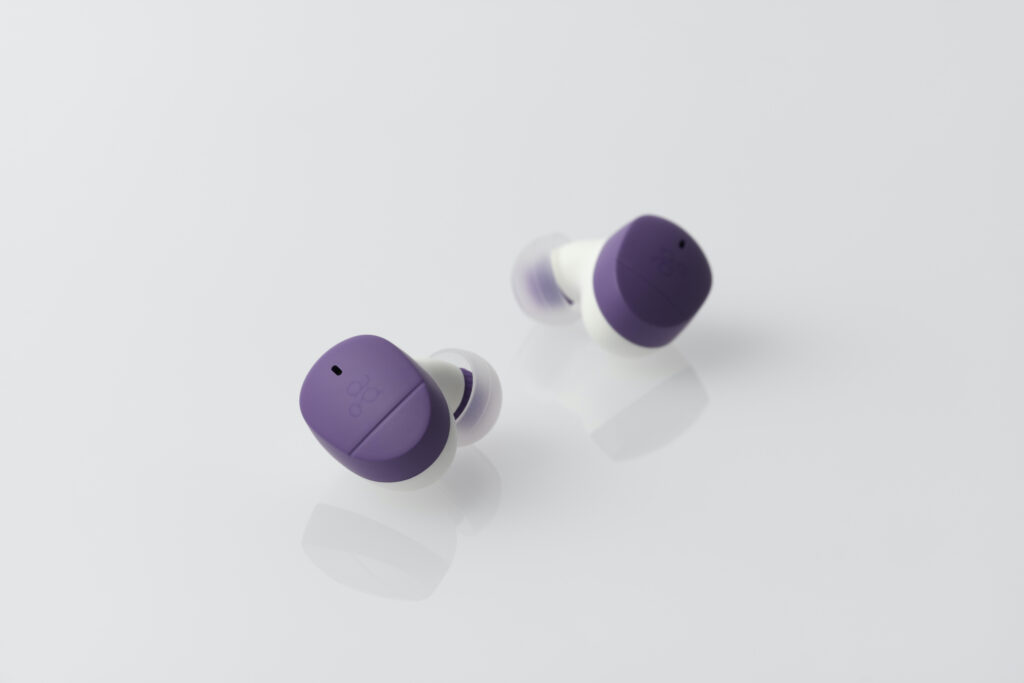
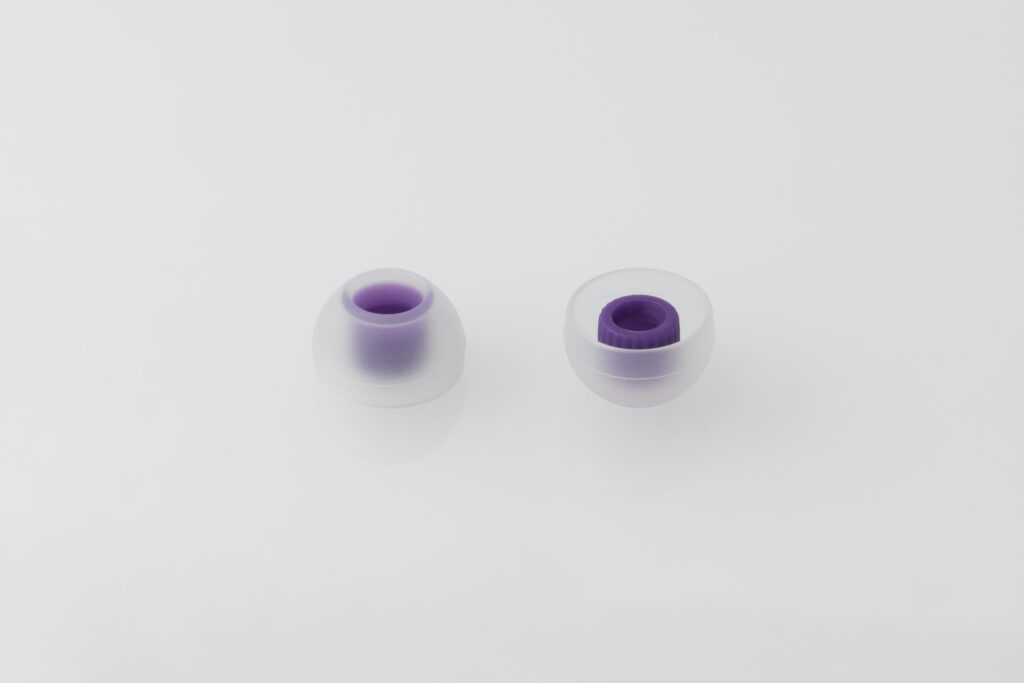
Includes five sizes of newly designed TYPE E final earpieces, specially designed for full wireless use.
Most common earpieces are designed to press hard against the back of the ear canal, causing pain and fatigue when worn for long periods.
The new “TYPE E Complete Wireless Only Specification” is a flexible fit at the entrance to the ear canal, so there’s virtually no foreign body sensation.
By minimizing the wearing sensation itself, “supreme wearing comfort” is achieved.
Available in five sizes: SS / S / M / L / LL.
Compatible with aptX™a high-quality, low-loss sound codec.
In addition to SBC and AAC, the aptX™ codec is also compatible with a wide range of iPhone, Android and other devices, making pairing easy.
Up to 20 hours of musical reading.
Up to 5 hours of music playback on a single charge.
Long-lasting battery features: up to 20 hours of playback with the included charging case.
How to wear headphones.
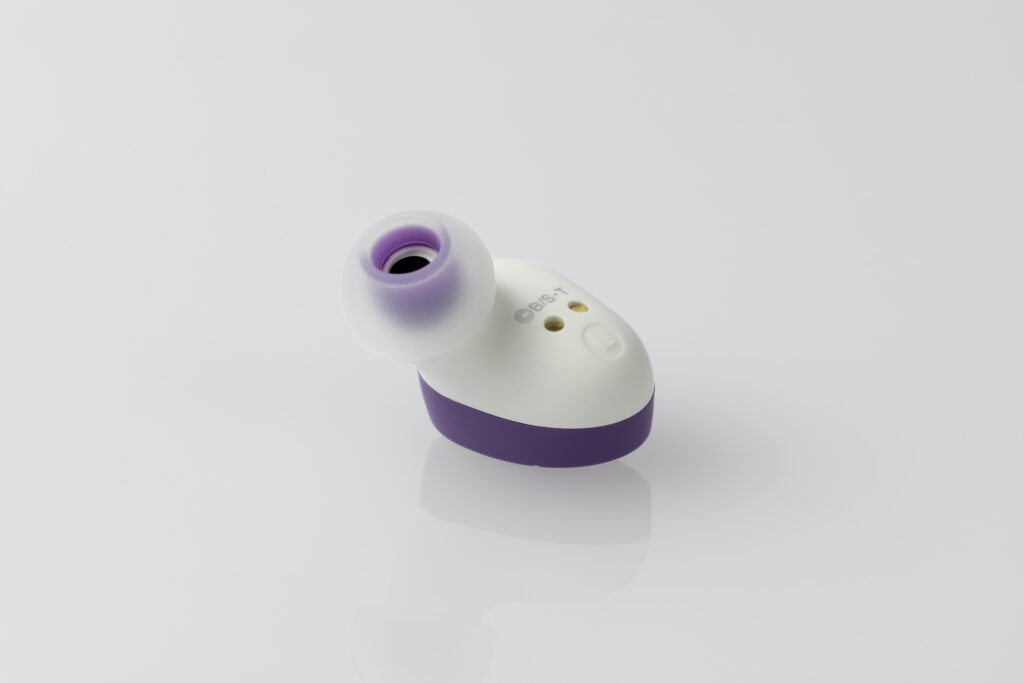
Check the left and right sides by looking at the L (left) and R (right) indications on the back of the housing.
Hold the device, push it in with a slight twist and place it over both ears.
Sound quality varies considerably depending on the position of the earpiece.
While listening to music, move the three-dimensional headset from side to side to find the most favorable listening position.
This is the optimum position (best position).
Once you’ve experienced it, you’ll be able to adjust the position without difficulty the second time around.
If you have the impression that the bass is missing, it’s because the headphones aren’t waterproof enough.
If you have small ears and the small size doesn’t help, it may be more effective to try a larger size.
Normally, the shape of the ear differs considerably from one side to the other.
As a result, the optimal size and position of the earpiece differs between the left and right ear.

Instructions for use.
Switch the unit on and off.
Switch on the headphones.
Open thecharging case cover / Press the touch sensor once when the device is switched off.
Switch off the headphones.
Touch and hold the touch sensor for about 3 seconds until you hear an electronic tone, then release the touch sensor / Store the earphones in a fully charged charging case and close the cover.
How to pair (if you are using the device for the first time).
When the charging case cover is opened, the headset LED lights up red for approx. 3 seconds, the power supply is automatically activated and the headset switches to pairing mode.
At this point, the LED on each side flashes alternately green and red. 2.
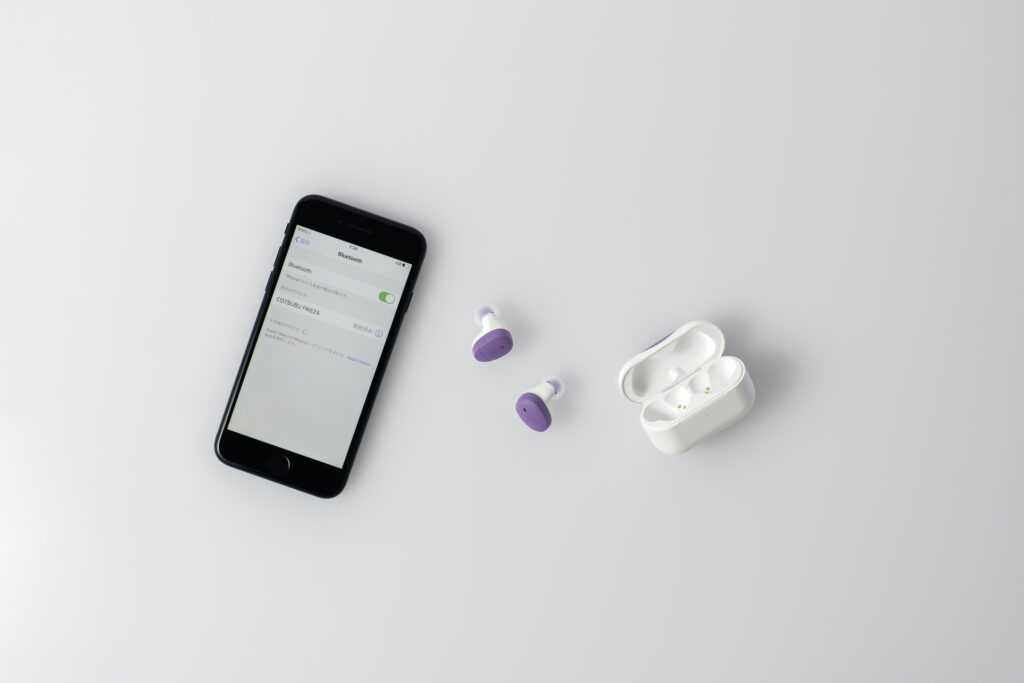
Activate the Bluetooth function on your smartphone or other device and select “COTSUBU FRIEZA” when it appears on the screen.
Pairing is complete when “COTSUBU FRIEZA Connected “* appears on the display of the device to be connected.
The headset LED lights up red for about 3 seconds, the device is automatically powered up and the headset enters pairing mode.
Meanwhile, the LED indicator on each side flashes alternately green and red.
The display may vary depending on the smartphone or other device.
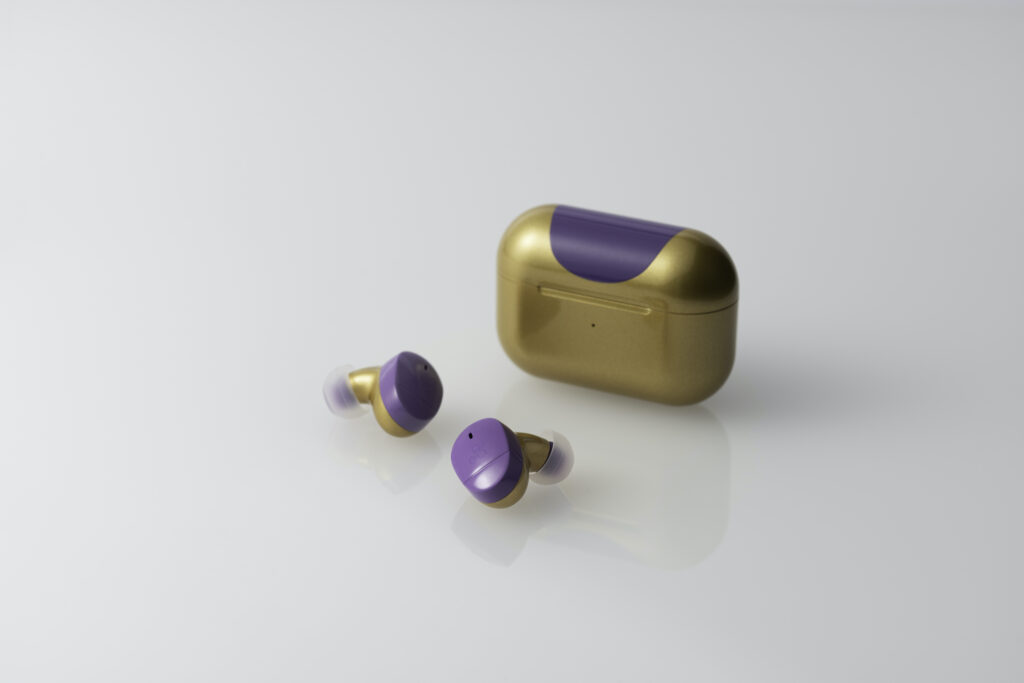
Win a COTSUBU -GOLD FRIEZA version-!
Current campaign underway!
The “COTSUBU -GOLDEN FRIEZA version-“, which is not on sale, will be offered to those who obtain the winning ticket randomly included in the “COTSUBU -FRIEZA version-” product, which is limited to 53 units worldwide!
COTSUBU -GOLDEN FRIEZA version-” has a gold and purple color, inspired by Golden Frieza, which has evolved since Frieza’s fourth form, first seen in Dragon Ball Z: Resurrection ‘F’.
The method of receiving the gift is indicated on your winning ticket.

Reviews
There are no reviews yet.